Subscriber Touchpoints — Xelynx TV
Your channel line-up,
on the big screen.
Xelynx TV is a real, native streaming app for your IPTV service — a Netflix-grade 10-foot experience with live channels, on-demand movies and series, a cinematic home screen and search. It ships under your brand, runs on the TV and the phone, and unlocks exactly what each subscriber's plan and billing status allow.
01 — Inside the app
A television service.
Not just a player.
Everything a subscriber expects from a modern streaming app, fed directly by the catalogue you already manage in Xelynx — and navigated entirely with the TV remote.
02 — The home screen
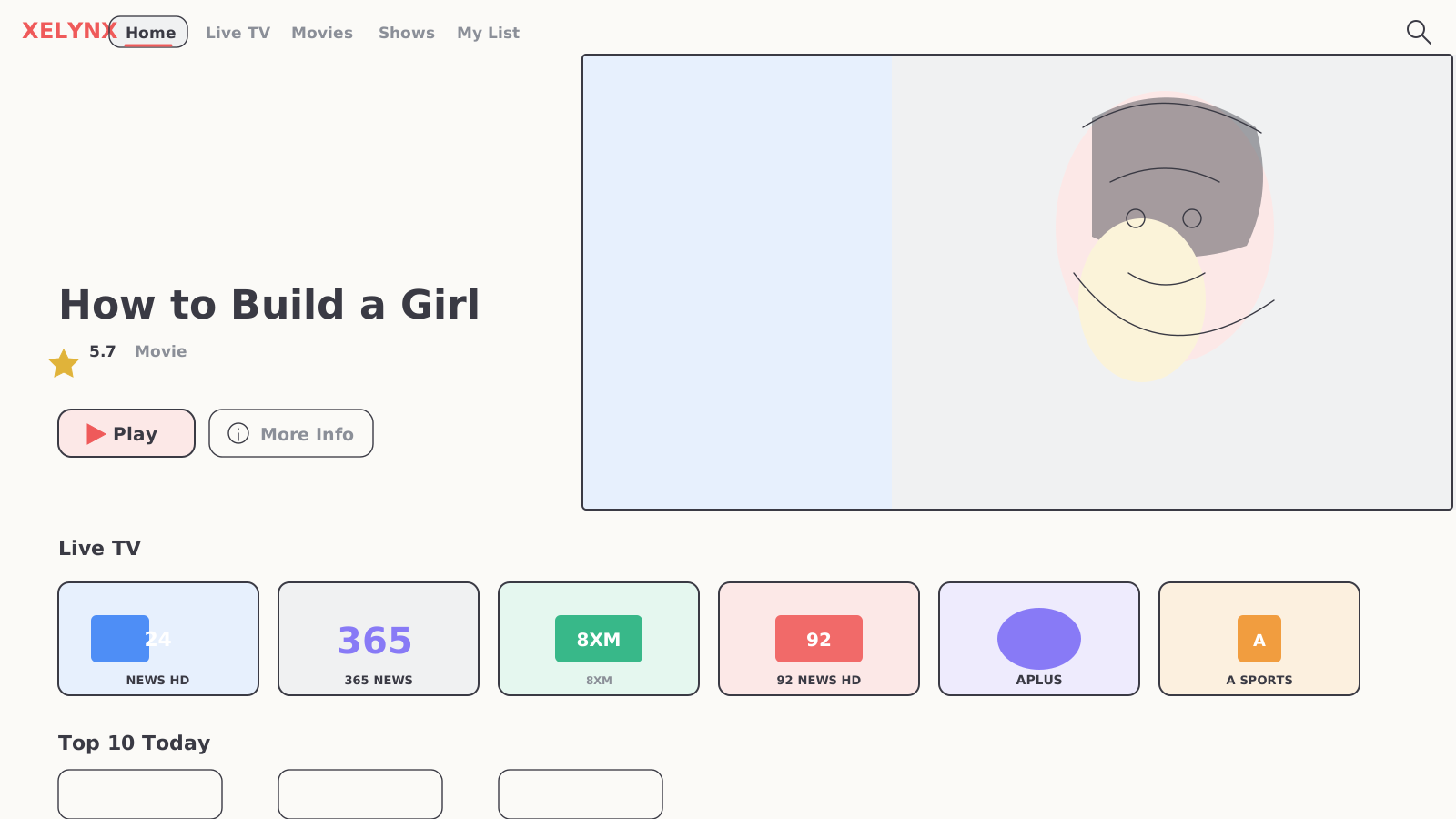
It opens like prime time.
A full-bleed billboard cycles your featured titles while branded rails put live channels and the most-watched on-demand a click away — your name, top-left, in your colour.
03 — Getting in
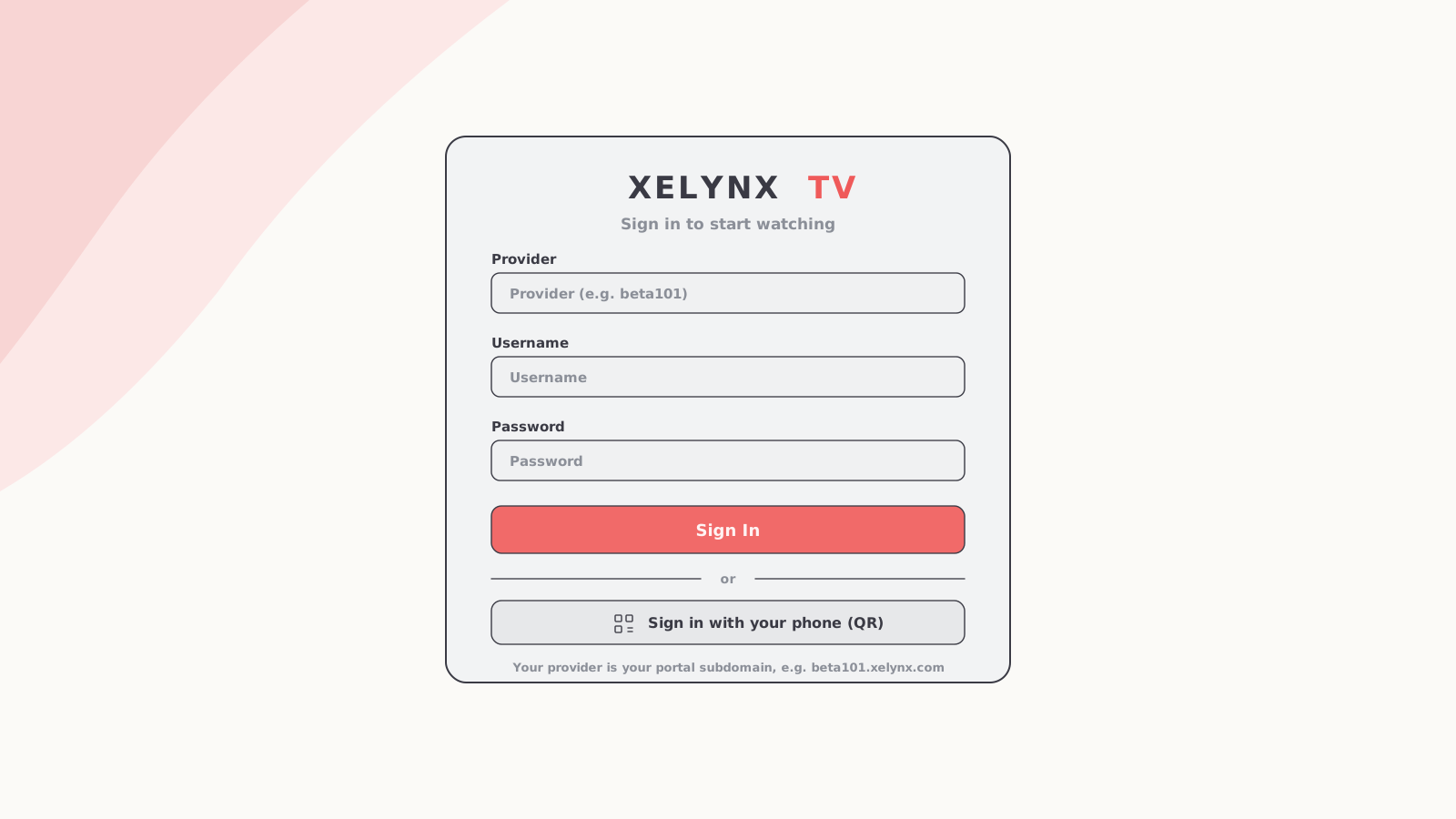
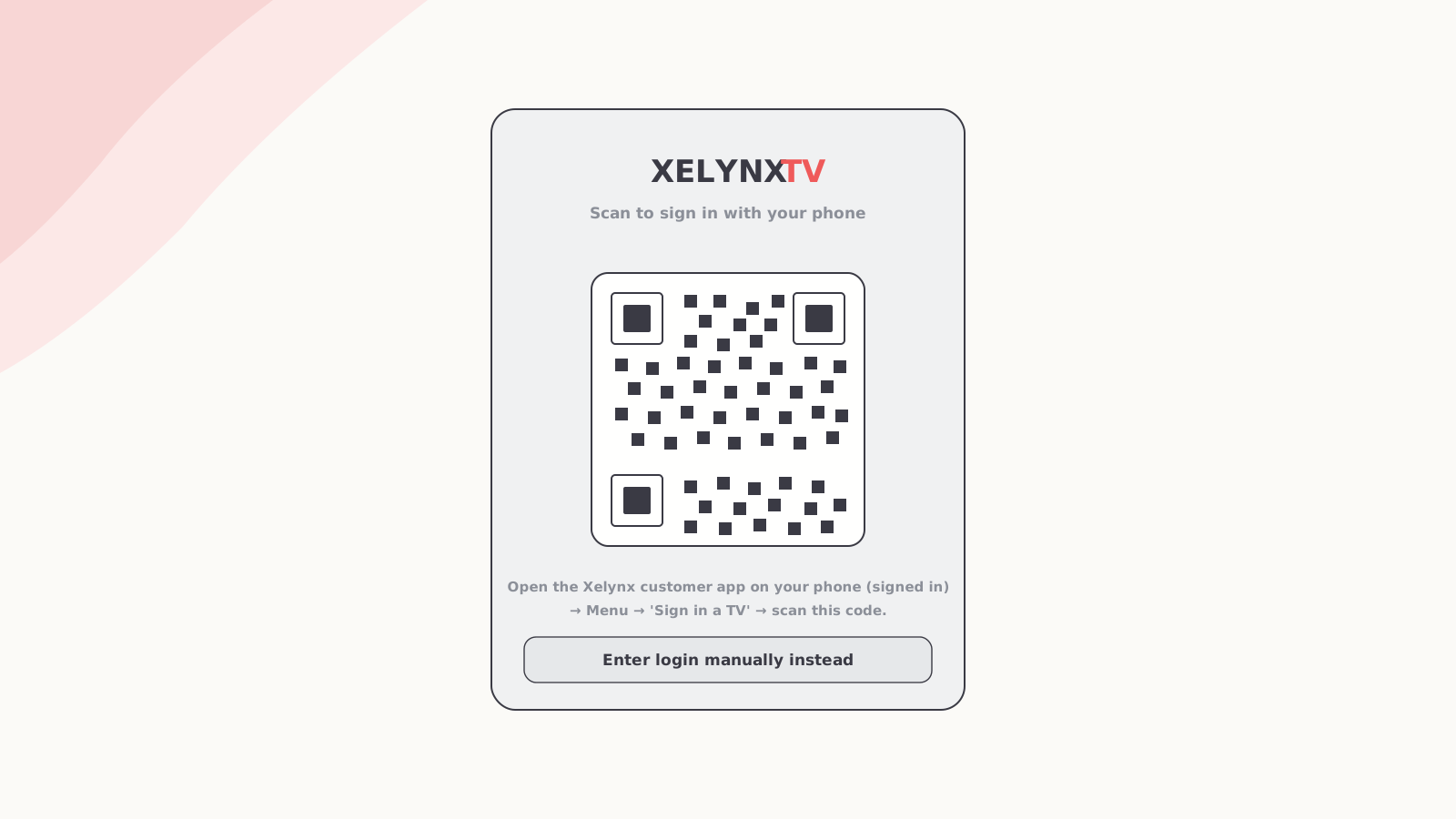
Two ways to sign in.
Neither needs a keyboard.
Subscribers enter their provider and portal login on the remote — or skip the typing entirely and pair the TV by scanning a code with the Xelynx customer app on their phone.
04 — Live TV
Every channel you carry, on tap.
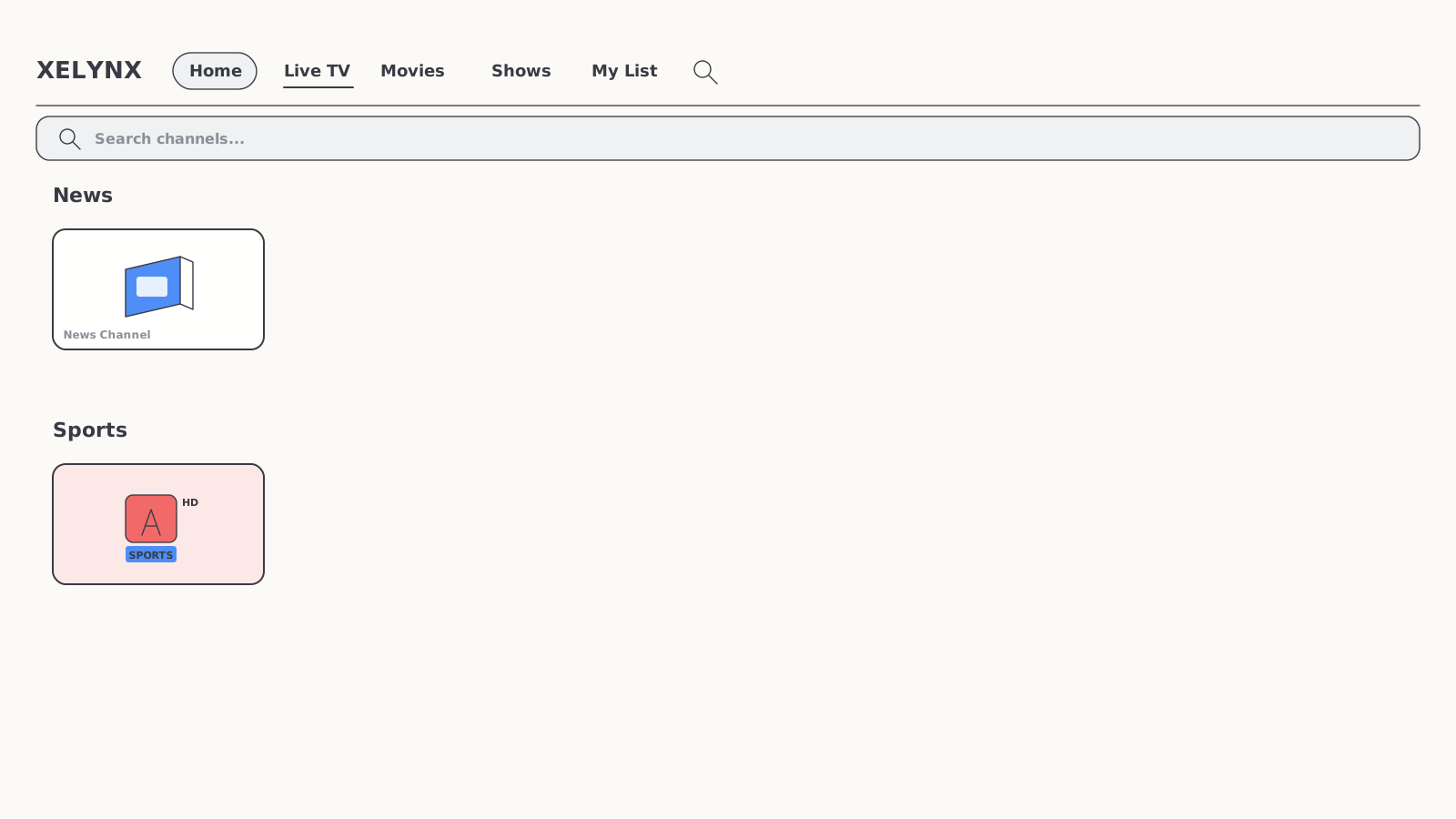
The live line-up you curate in the IPTV module appears grouped by category — News, Sports and the rest — each channel a tile you can open straight into full-screen playback. A search bar across the top finds any channel by name.
- Grouped by category — News, Sports, Entertainment and more, exactly as you organise them
- Channel search — type to filter the whole line-up in an instant
- Straight to playback — pick a channel and it plays, full-screen, with the native player
05 — On-demand
Movies and series,
their own front doors.
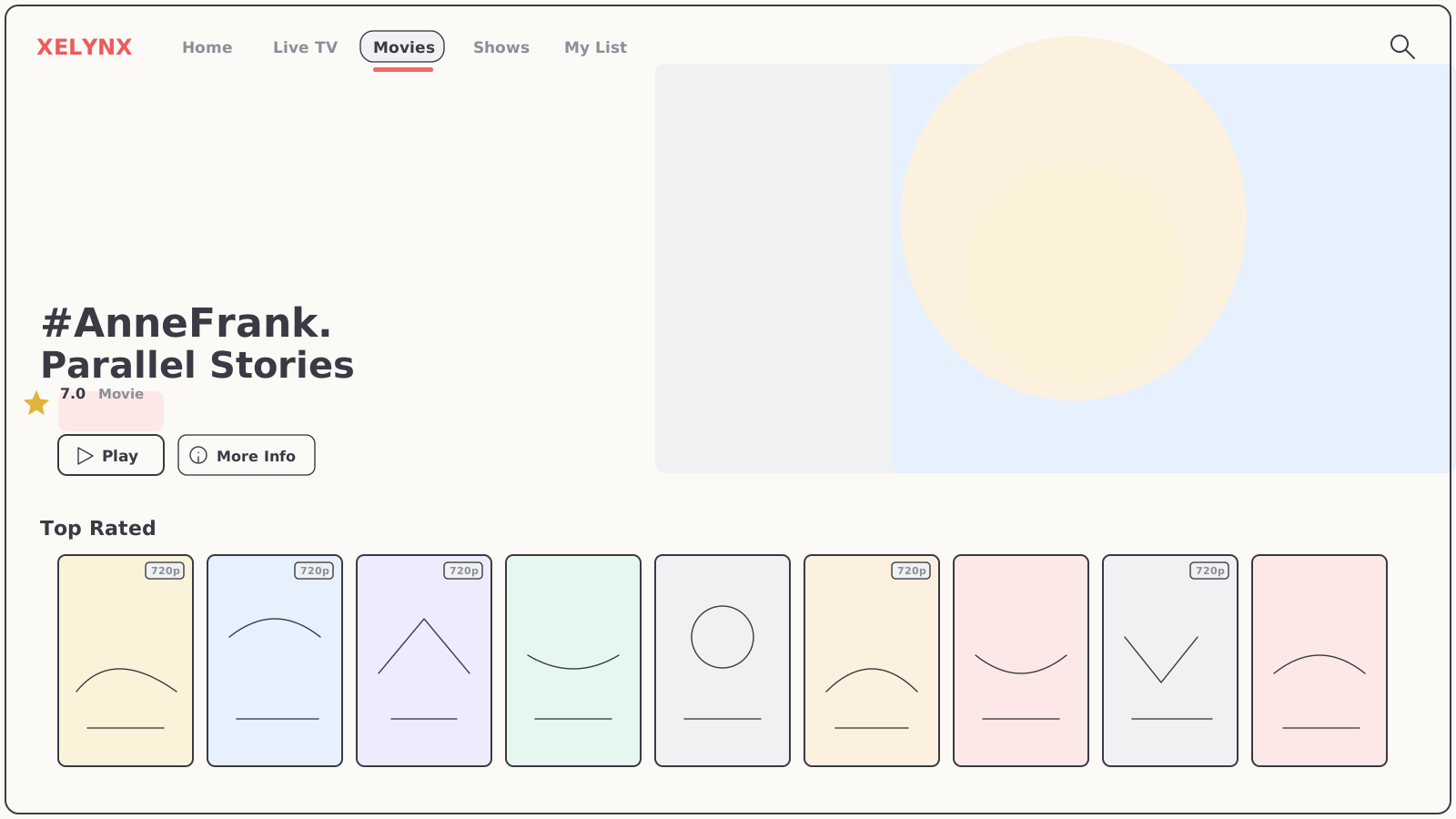
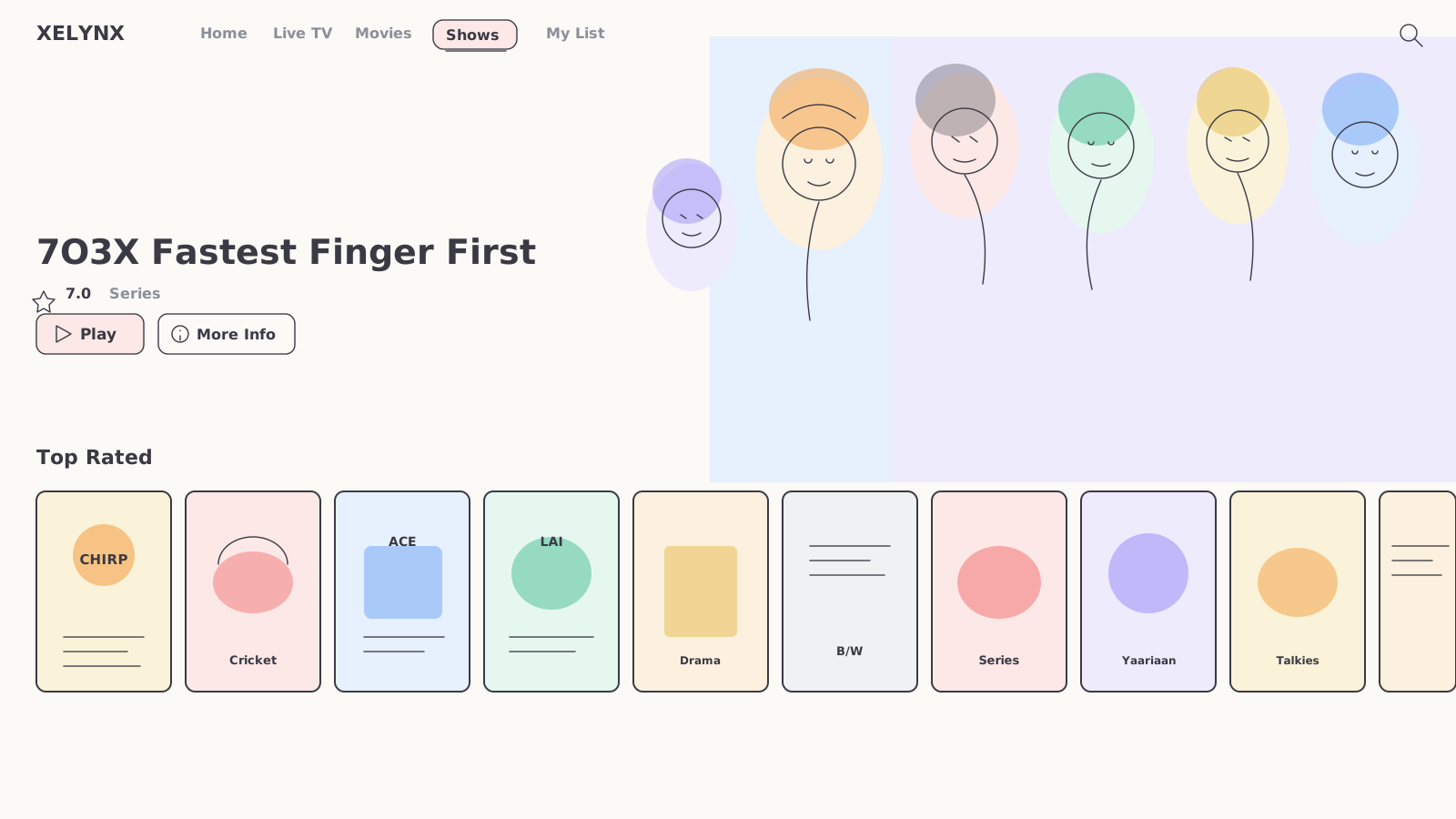
Two dedicated libraries sit beside live TV, each with its own billboard and Top Rated and genre rows — the full video-on-demand catalogue your service carries, browsable entirely by remote.
06 — Search & discovery
Find anything, three ways.
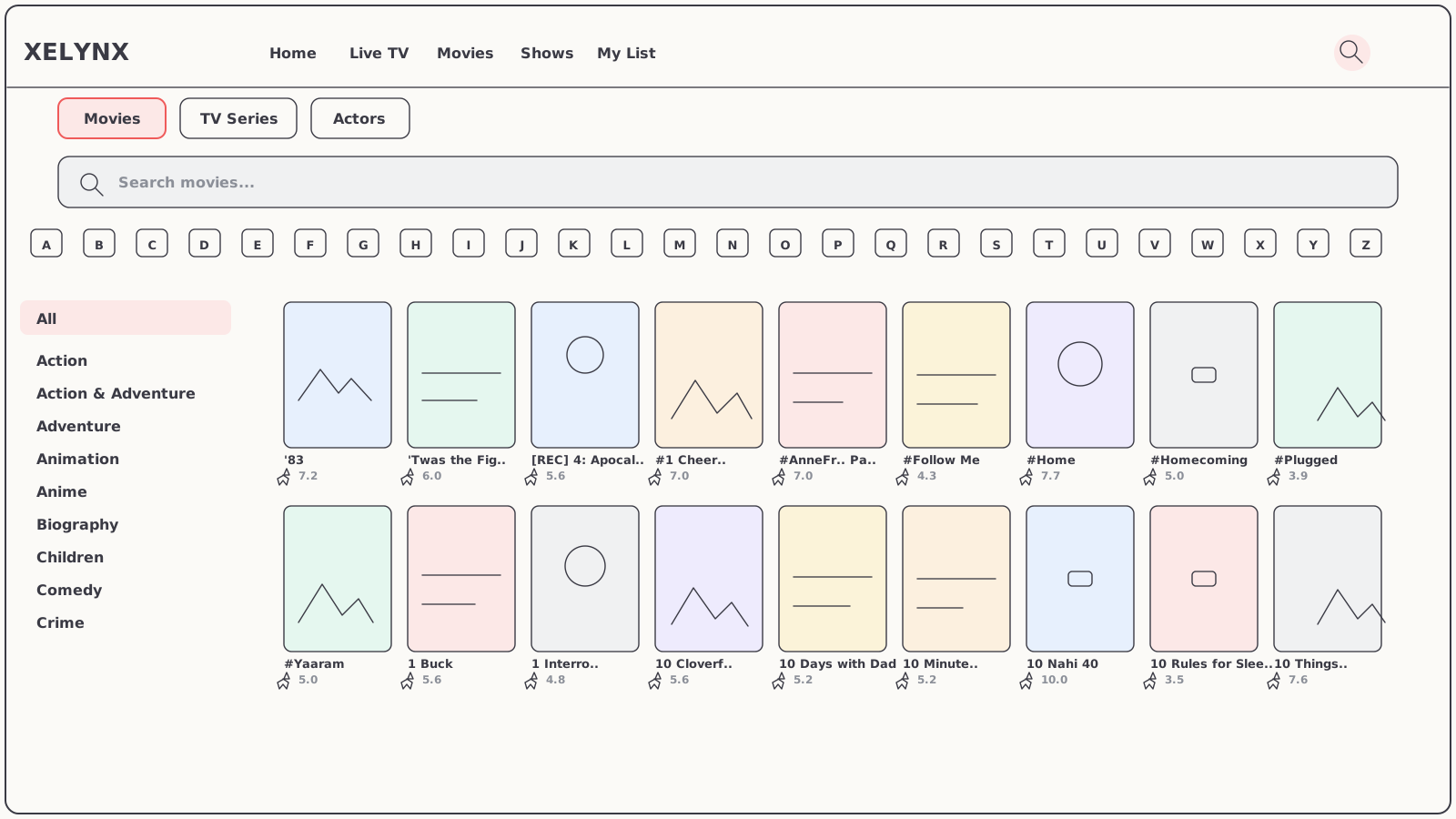
One search surface spans the whole catalogue. Switch between Movies, TV Series and Actors, narrow by genre down the side or jump by letter along the top, and the poster grid re-flows as you go — built to feel fast even from a remote.
- Movies · TV Series · Actors — one search, three lenses on the catalogue
- Genre & A–Z — a genre rail and an alphabet strip to skim huge libraries quickly
- Instant poster grid — every result with its cover, title and star rating
07 — Detail & playback
Every title, with the
full story.
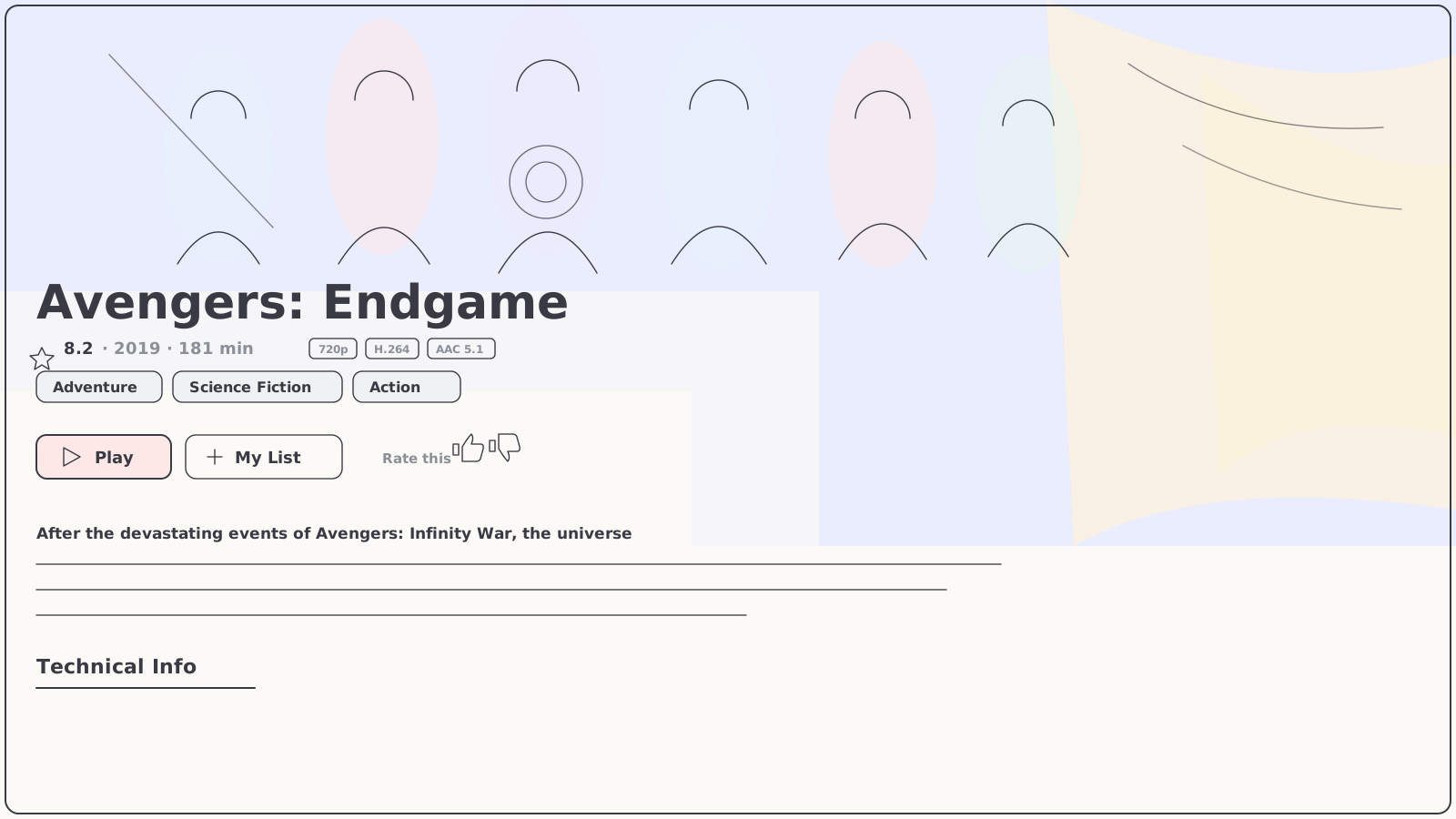
Open any movie or show and the app gives it the cinema treatment — a full-bleed backdrop, the synopsis, cast, rating, runtime and stream quality, with Play, trailer, My List and a quick thumbs-up rating all reachable from the remote.
Save it, rate it, resume it.
My List keeps the titles a subscriber wants to come back to; a thumbs-up tells the service what's landing; and playback is handled by a native player tuned for the living room — so the experience feels like the apps people already use every night.
- My List — a personal watch-later shelf, one button away on any title
- Cast & trailer — who's in it and a preview, pulled in with the metadata
- Native playback — full-screen video built for the 10-foot experience
08 — Entitlements
Access that always
matches the invoice.
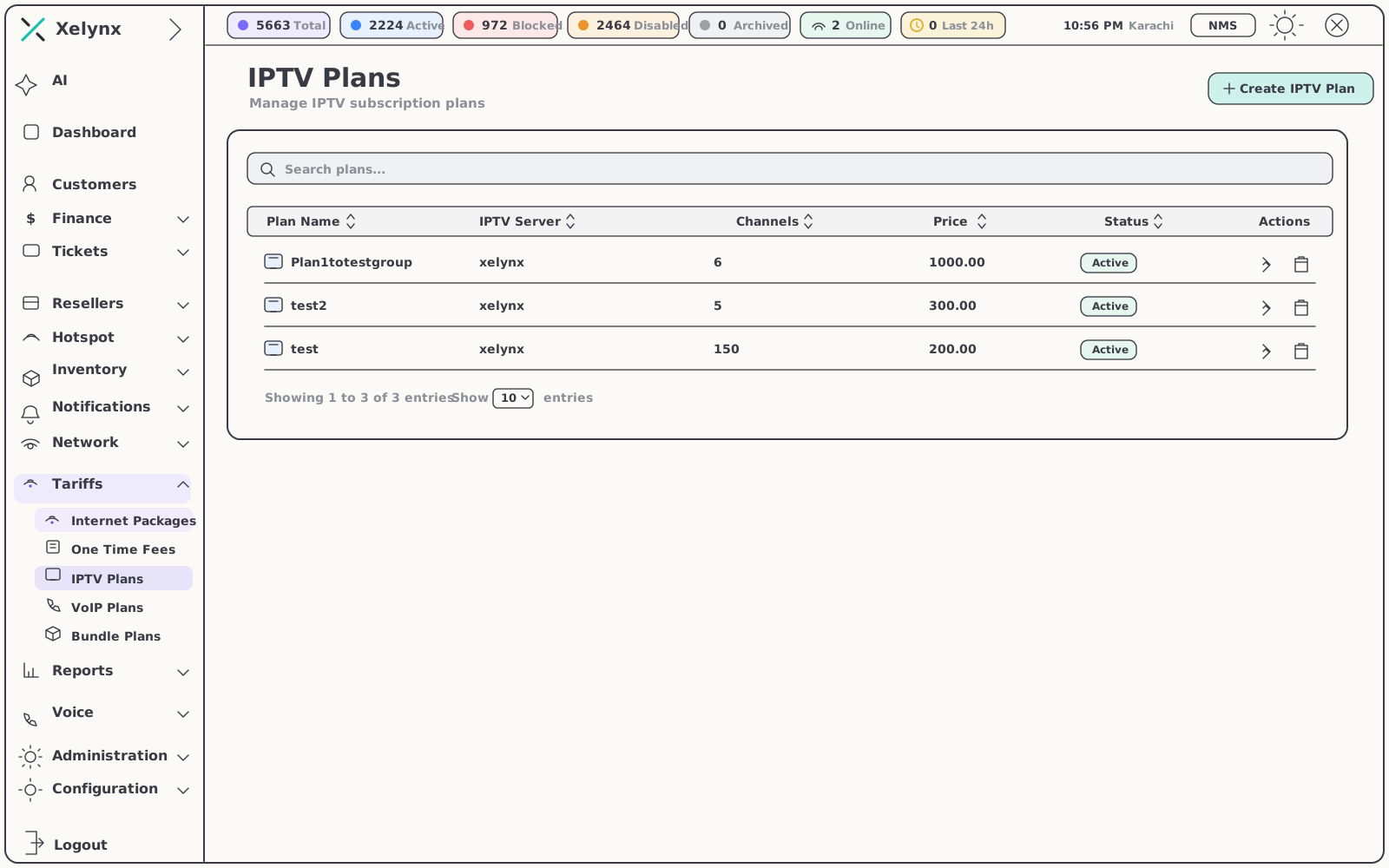
No spreadsheets, no manual unlocks. What a subscriber can watch is computed from their IPTV plan and their billing status in Xelynx — change either, and the app follows.
Plans in, entitlements out
Each IPTV plan in Xelynx names its server, channel set and price. Assign one to a subscriber and the app unlocks exactly that — and because access is billing-aware, an unpaid account is handled by the platform, not by someone toggling streams by hand.
- Plan-driven channel sets — the plan defines which channels and libraries each subscriber sees
- Instant upgrades & downgrades — plan changes take effect the moment they're saved
- Billing-aware access — viewing stays aligned with each customer's account status
- One subscriber record — the same profile your CRM, billing and support already work in
09 — White-label
Unmistakably yours.
Subscribers download your television service — your name, your identity, your look — not a generic player with your logo in a corner.
Your name on the screen
The app ships branded to your ISP from the ground up — the wordmark top-left, the icon on the home screen, the name in the stores.
One catalogue, every device
The big screen and the phone read the same centrally managed line-up, on the same account. Curate once, ship everywhere.
In step with your platform
Built on Xelynx, the viewer app mirrors your IPTV catalogue in real time — there is no second system to keep in sync.
10 — At a glance
Xelynx TV in one table.
| Spec | Detail |
|---|---|
| Libraries | Live TV, Movies & TV Series — in one app |
| Home | Rotating billboard with Live TV, Top 10 & Top Rated rails |
| Live TV | Channels grouped by category, with channel search |
| Search | Movies / TV Series / Actors, genre rail & A–Z |
| Detail | Backdrop, synopsis, cast, rating, quality, trailer |
| Personal | My List, thumbs rating, resume playback |
| Sign-in | Provider login or QR pairing from the phone |
| Access | Driven by IPTV plan & billing status in Xelynx |
| Branding | Your ISP's name, identity & look |
| Platforms | Apple TV, Fire TV, Android TV, iOS & Android |
11 — Related
Works hand in hand with.
The TV app is one of three subscriber touchpoints, all driven by the same platform underneath.
IPTV
Servers, channel line-ups, movies & series, plans and CDN — the service the app delivers.
Explore IPTVCustomer App
Account, invoices, usage, Wi-Fi and support — and the app that pairs the TV with a scan.
Explore the Customer AppBilling & Finance
Plans, invoices and payment status — the engine that decides what the app unlocks.
Explore BillingGet started
Television that ships
with your name on it.
Launch Xelynx TV on top of your IPTV service — live channels, movies and series, a cinematic home and billing-aware access. Free for 15 days, no card required.